


Towa SalesTrack
This application allows the user to track assigned orders:
In order to access the application, the user must enter the credentials they received in their email.
| In the options menu the user can, in addition to the menu options, change its photo by clicking on the camera icon. | 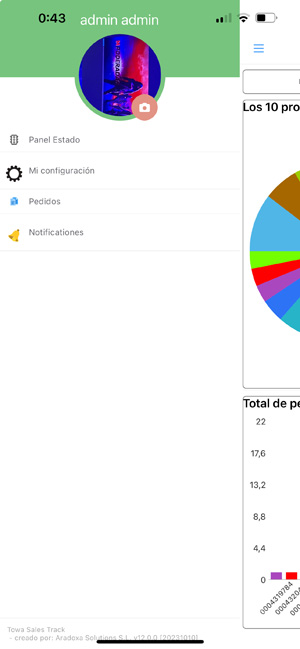 |
| The user will be able to select the date range to display in the panel graphs. | 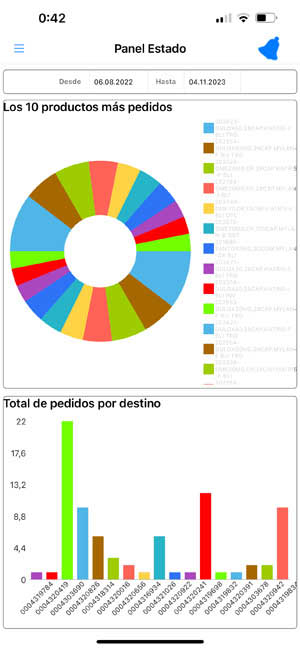 |
| The user will be able to select the date range of the orders they wish to view. When selecting an order, the order details screen will open. | 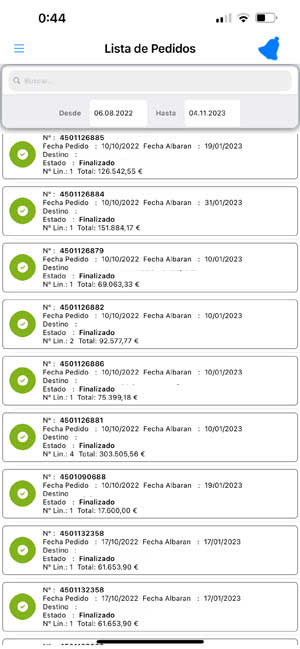 |
|
My configuration: The user is allowed: - change your password. - log out. - change the language of the application. Notifications: The user will see the unread notifications that the application sent them. Being able to mark all as read. | 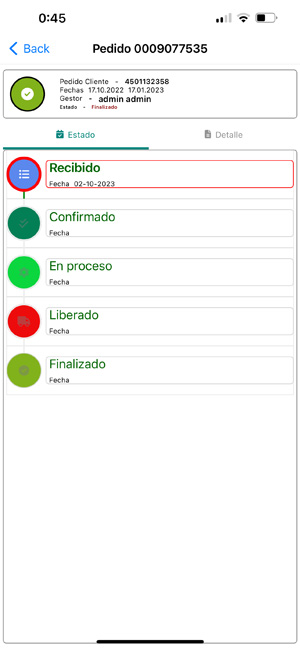 |